advanced

Clean accessible 12-volt battery terminals

Address visible corrosion only when the vehicle permits ordinary 12-volt battery service.

30–60 min4 toolselectrical

Tools

  • Eye protection and chemical-resistant gloves
  • Insulated terminal tools
  • Battery-terminal brush
  • Approved neutralizing cleaner

Parts and supplies

  • Terminal protectant if approved

Before starting

  • Exact shutdown and reconnection consequences are understood
  • Battery is not swollen, hot, leaking or frozen
Visual procedure

One step at a time

Realistic views show the component and hand action for each step. Exact layout varies by vehicle, so always confirm access in the applicable manual.
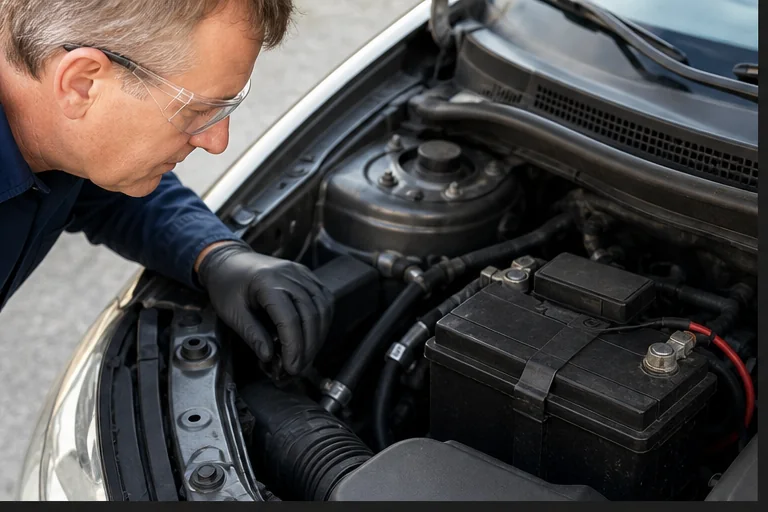
Preserve required information. Representative view · exact vehicle may differ.
Representative view · exact vehicle may differ
STEP 1

Preserve required information

Record radio, window, steering, battery-monitor and immobilizer relearn requirements before disconnecting anything.
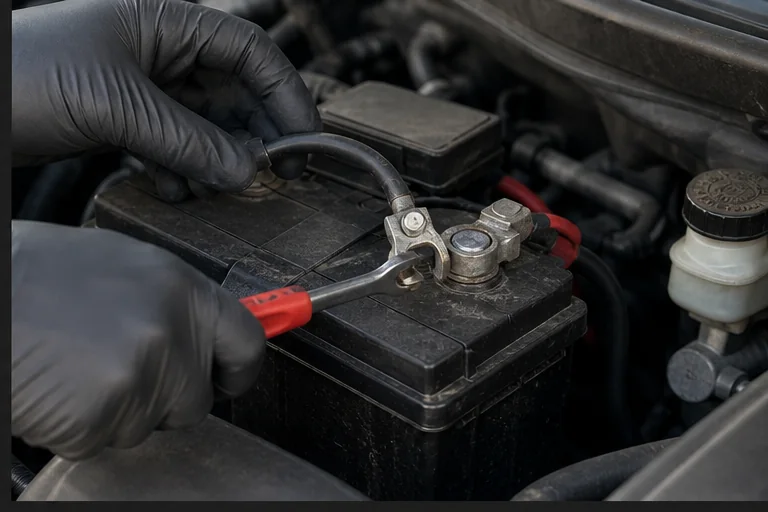
CheckpointThe exact negative-first removal and reconnection procedure is confirmed.
Shut down and disconnect. Representative view · exact vehicle may differ.
Representative view · exact vehicle may differ
STEP 2

Shut down and disconnect

Follow the exact waiting period, then disconnect the negative terminal first and secure it from accidental contact; remove positive only if required.
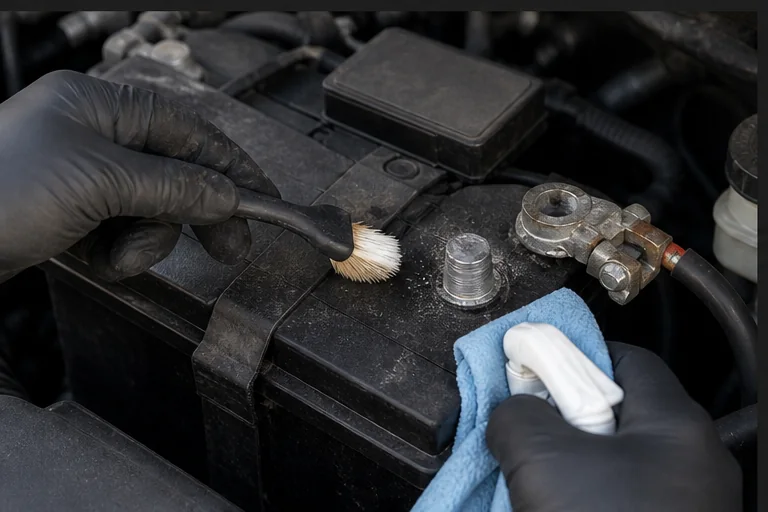
CheckpointTools cannot bridge a terminal to body metal.
Clean and inspect. Representative view · exact vehicle may differ.
Representative view · exact vehicle may differ
STEP 3

Clean and inspect

Neutralize external corrosion with an approved product, brush contact surfaces and inspect for damaged clamps or cables.
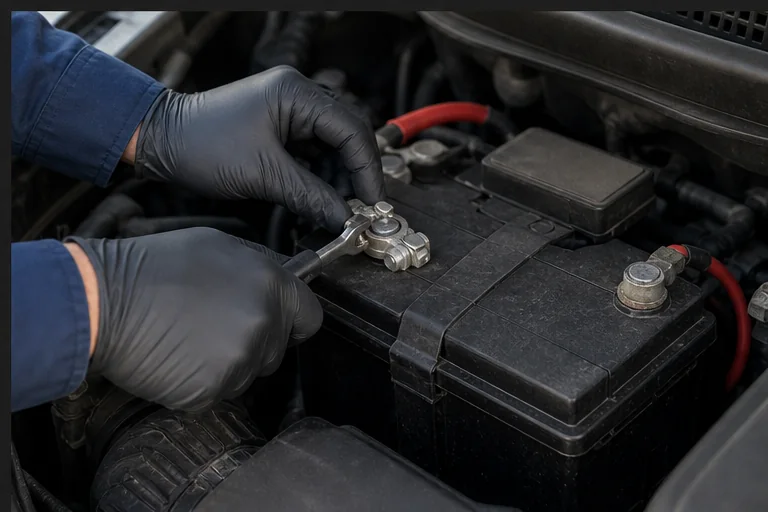
CheckpointContacts are clean and dry; no acid damage or loose cable requires replacement.
Reconnect and verify. Representative view · exact vehicle may differ.
Representative view · exact vehicle may differ
STEP 4

Reconnect and verify

Reconnect in the documented order, tighten to specification and complete required initializations.

CheckpointTerminals do not rotate and no warning remains unexplained.

Post-repair verification

  • Secure clean terminals
  • Normal starting or READY operation
  • Required learned functions restored