basic

Perform a documented infotainment soft reset

Restart a frozen interface without disconnecting the vehicle battery or erasing diagnostic evidence.

5–15 min1 toolsbody

Tools

  • Owner manual

Parts and supplies

No replacement part required.

Before starting

  • Vehicle is safely parked
  • A model-specific soft-reset command is documented
Visual procedure

One step at a time

Realistic views show the component and hand action for each step. Exact layout varies by vehicle, so always confirm access in the applicable manual.
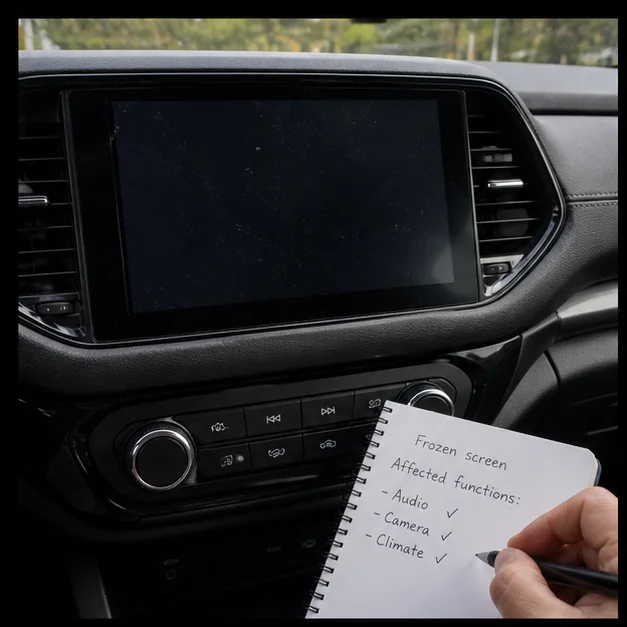
Preserve the symptom. Representative view · exact vehicle may differ.
Representative view · exact vehicle may differ
STEP 1

Preserve the symptom

Photograph the screen, record audio/camera/climate impact and note whether other electrical systems are affected.
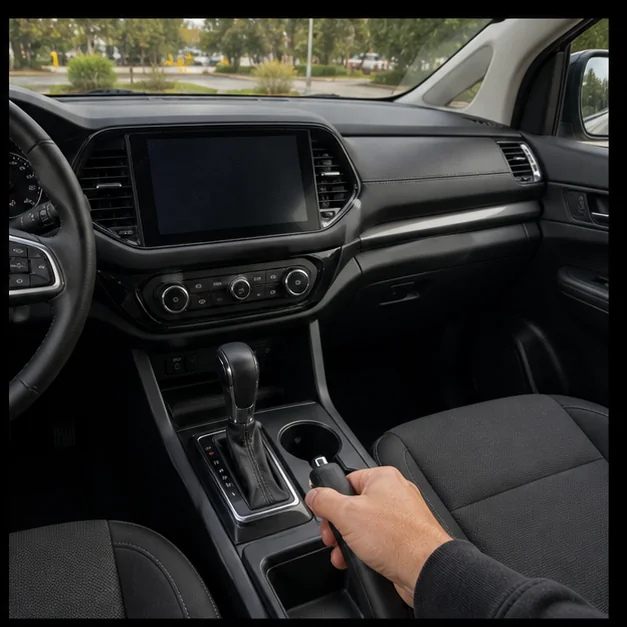
CheckpointA broader low-voltage or network failure is not being hidden.
Park and stabilize. Representative view · exact vehicle may differ.
Representative view · exact vehicle may differ
STEP 2

Park and stabilize

Shift to Park, set the parking brake and switch off unnecessary loads.
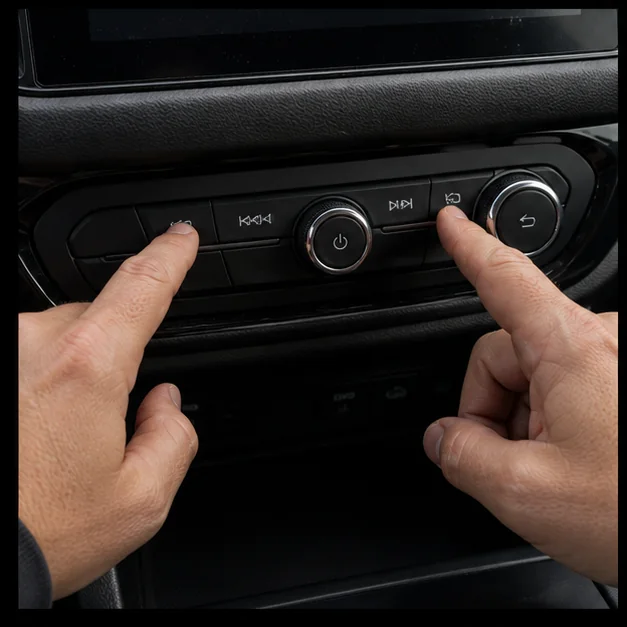
CheckpointThe vehicle is stationary and the reset will not remove needed visibility or safety functions.
Run only the soft reset. Representative view · exact vehicle may differ.
Representative view · exact vehicle may differ
STEP 3

Run only the soft reset

Use the exact button combination or menu command in the owner manual; do not choose erase or factory reset.
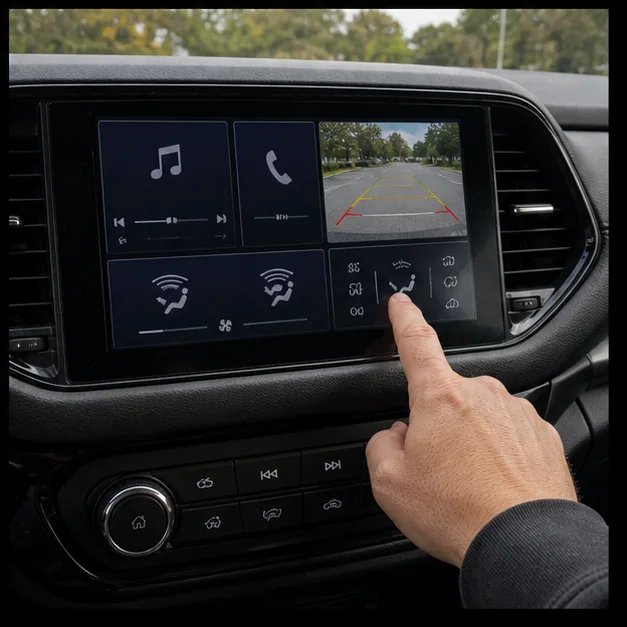
CheckpointThe system restarts without deleting profiles or diagnostic information.
Verify all linked functions. Representative view · exact vehicle may differ.
Representative view · exact vehicle may differ
STEP 4

Verify all linked functions

Check audio, phone, display, camera and any climate controls routed through the screen.

CheckpointRecurrence or multiple-system faults trigger full scan and supply/network diagnosis.

Post-repair verification

  • System restarts normally
  • Safety-linked display functions work
  • Recurring failure is documented